Settings
The settings offer customization of the account for usage. Click the user name initials on the top right corner of the page and do the following settings.
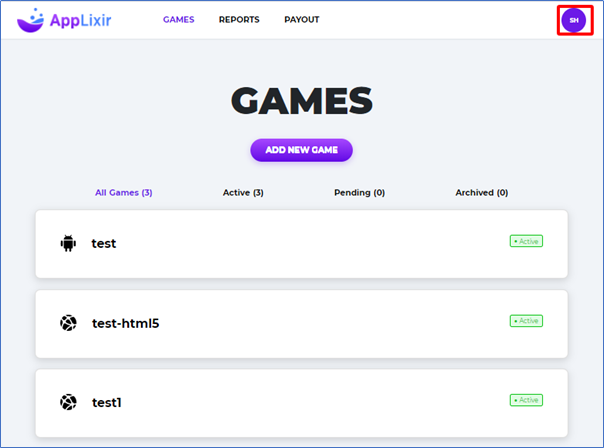
The following options are available under the settings.
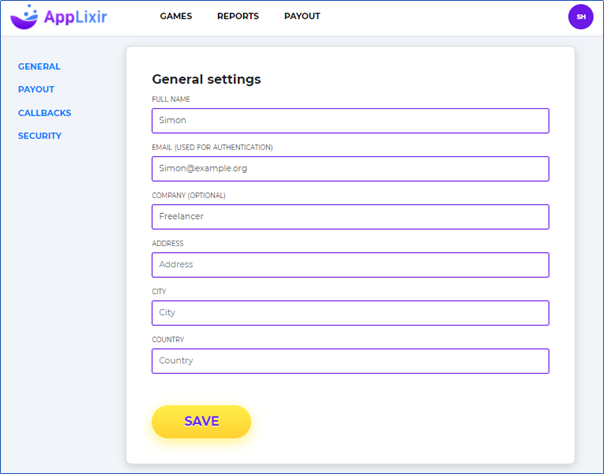
General: This are user related settings like name, email, company information and complete address.
Payout: This section is used to save bank details. Enter the details of the account which is to be used for payouts. Alternatively, you can also configure a PayPal account for payments.
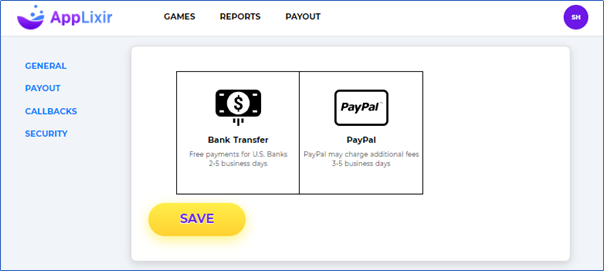
Provide the details as required and click Save.
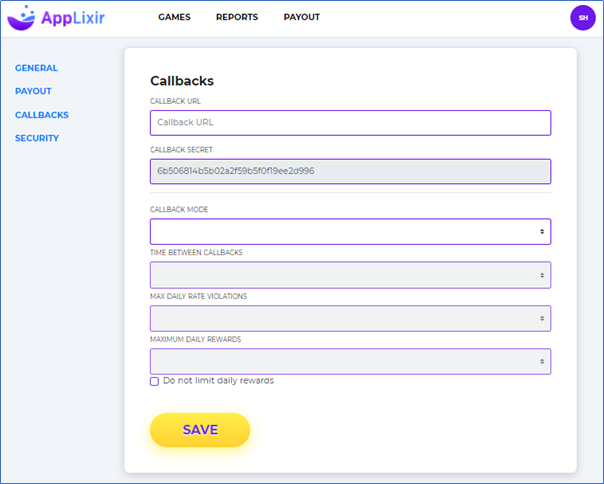
Callback: This section is used to configure Reward management system for your game application.
Refer the section Reward Management System above for more details about the various callback fields.
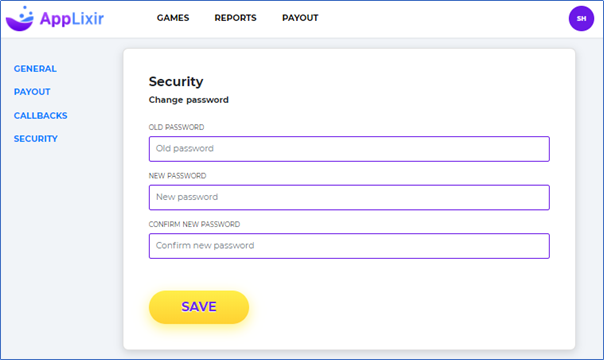
Security: This section is used to change the password for the user. Enter the old password, followed by the new password to be set and click Save.